How Much Does a Vertical Drama Cost to Make? A Pilot in Credits
By Character App Team · · Updated · 8 min read
A useful vertical-drama budget begins with the work: how many Scenes you will draw, how many seconds you will film, how many takes you expect to discard, and which current model you choose. This guide includes an adjustable planning calculator and makes every assumption visible.
Sketch a vertical Story budget
This initial example uses five Scenes, five Clip seconds per Scene, five illustrative Credits per Clip second, one draft Image per Scene, and six illustrative Credits per draft Image (a plan member's picture).
- Clip time
- 25 seconds
- Clip estimate
- 125 Credits
- Image estimate
- 30 Credits
- Illustrative total
- 155 Credits
Planning math only. Model availability and Credits can change; the exact server-returned Studio quote shown before a paid action always wins.
A vertical drama pilot in Credits
In Character App a series starts with Episode 1: 4 Clips on HG H3 Max, the default Clip model, each 5 seconds (0:20). Filming it costs 100 Credits (25 Credits a Clip), 124 with its 4 Scene pictures. Longer Episodes the AI Director writes in the Writers' Room cost more, priced per second on the button before you press it. The same Episode as a narrated Slideshow Story with music, made from pictures instead of video, costs 40 Credits for up to 5 slides.
Creator ($39.99 a month, 1,600 Credits) makes about 64 HD H3 videos, or 12 Episodes like Episode 1 with their pictures, or 40 Slideshow Stories, from one month of Credits. Free: make your Character and a narrated Slideshow Story every day. Real video comes with a plan. Other Clip models cost more per second, and every button shows its exact price before you press it.
- Episode 1, 4 Clips (0:20): 100 Credits to film, 124 with its 4 Scene pictures
- A narrated Slideshow Story, up to 5 slides: 40 Credits
- Creator, $39.99 a month: about 12 Episodes or 40 Slideshow Stories
- Retakes cost the same as the first take, so budget for a few
The short answer: budget the takes, not just the final minute
An AI vertical drama does not have one universal price per episode. Your cost depends on the number of draft Images, the number and duration of Clips you film, the model selected for each paid action, and how many takes you decide to make again.
The calculator on this page uses editable assumptions. Its default Clip rate is the current public Character App baseline described on /pricing, but it is only a planning example. Model availability and rates can change, and the exact server-returned quote inside Studio is the authority before any paid action.
Start with one five-Scene pilot
A five-Scene Story is large enough to test the full vertical-drama rhythm: hook, suspicion, reveal, confrontation, and cliffhanger. It is also small enough to inspect every Cast reference, prop, and set transition before you commit to a longer release plan.
Treat the pilot as a learning budget. Keep the Scene count fixed, test two different hooks if necessary, and record which choices caused a retry. That gives you a real take rate for the next episode instead of a fantasy estimate.
- Write the five Scenes before drawing any paid Clip
- Use Images to review framing and continuity first
- Film only the takes that survive review
- Keep the server-returned quote beside the approval
Separate draft work from final filming
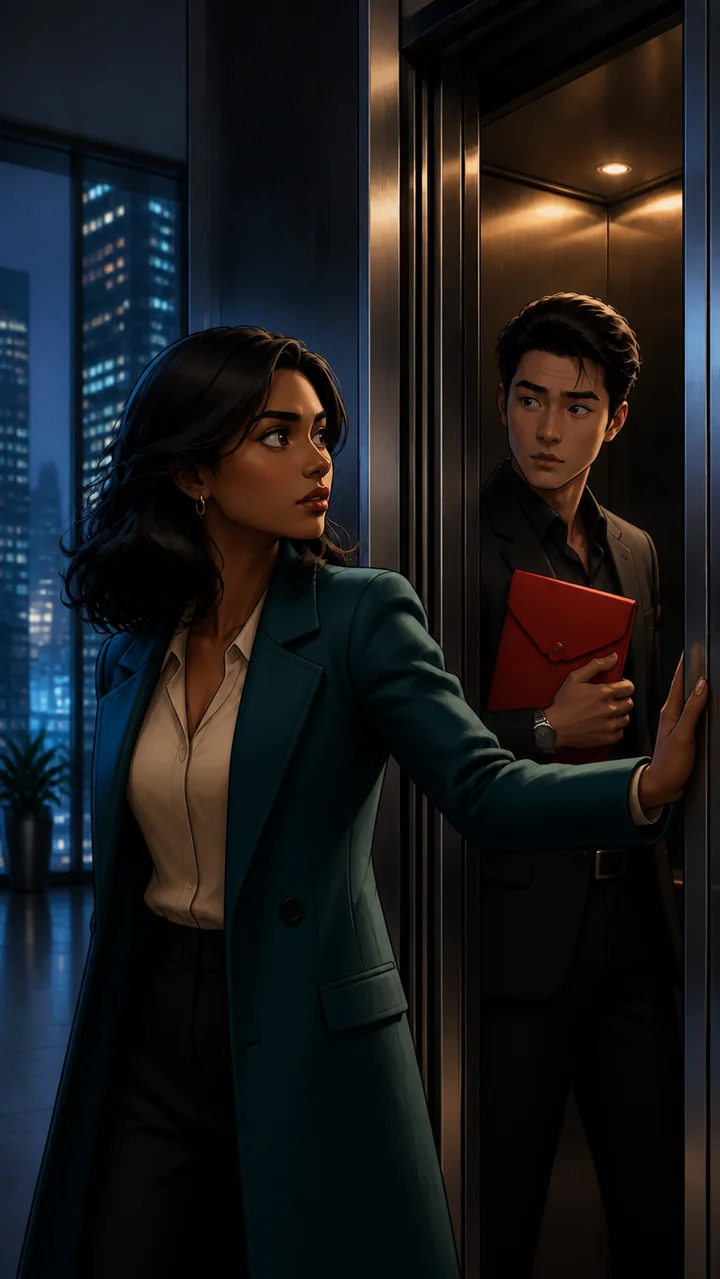
Draft work answers cheap questions: Is the face readable in 9:16? Does the red envelope stay visible? Does the reaction land before the reveal? Final filming answers expensive questions about motion, timing, and polish.
Do not pay the highest available rate for every Scene by habit. Use the current model card to decide where speed is enough and where a hero moment justifies a more expensive choice. Exact pricing stays server-owned.
Plan for variation without pretending it is failure-free
Reference-led continuity can reduce drift, but it does not guarantee identical Cast, wardrobe, hands, props, or environments. A responsible budget includes some room to review and make another take.
The practical target is not zero variation. It is a clear review loop: compare the new Scene with the approved Cast references and the prior Scene, keep the take when it works, and change only the failing Scene when it does not.
What this estimate does not include
Character App can assemble completed Clips into one playable Story. Platform-specific captions, music, cover design, rights review, and publishing still require creator judgment and may add time or outside costs.
The calculator also does not promise audience, revenue, distribution, or a particular amount of completed footage from a subscription. It is a workload planner. Use /pricing and the exact Studio quote to make the actual spending decision.
A repeatable cost-control routine
Write the Story, draw the Scenes sequentially, review the five-frame arc, film only approved takes, and assemble the result. After the episode, record total Images, total Clip seconds, retries, and the final quote receipts.
That record becomes your own production benchmark. It is more useful than a generic industry average because it reflects your Art style, your Characters, your quality threshold, and your current model choices.