Turn your love story into a wedding or anniversary film
The first date, the proposal, the flat tire on the honeymoon — filmed with a couple who look like the two of you, in a World you can come back to every anniversary.
Free: make your Character and a narrated Slideshow Story every day. Real video comes with a plan.
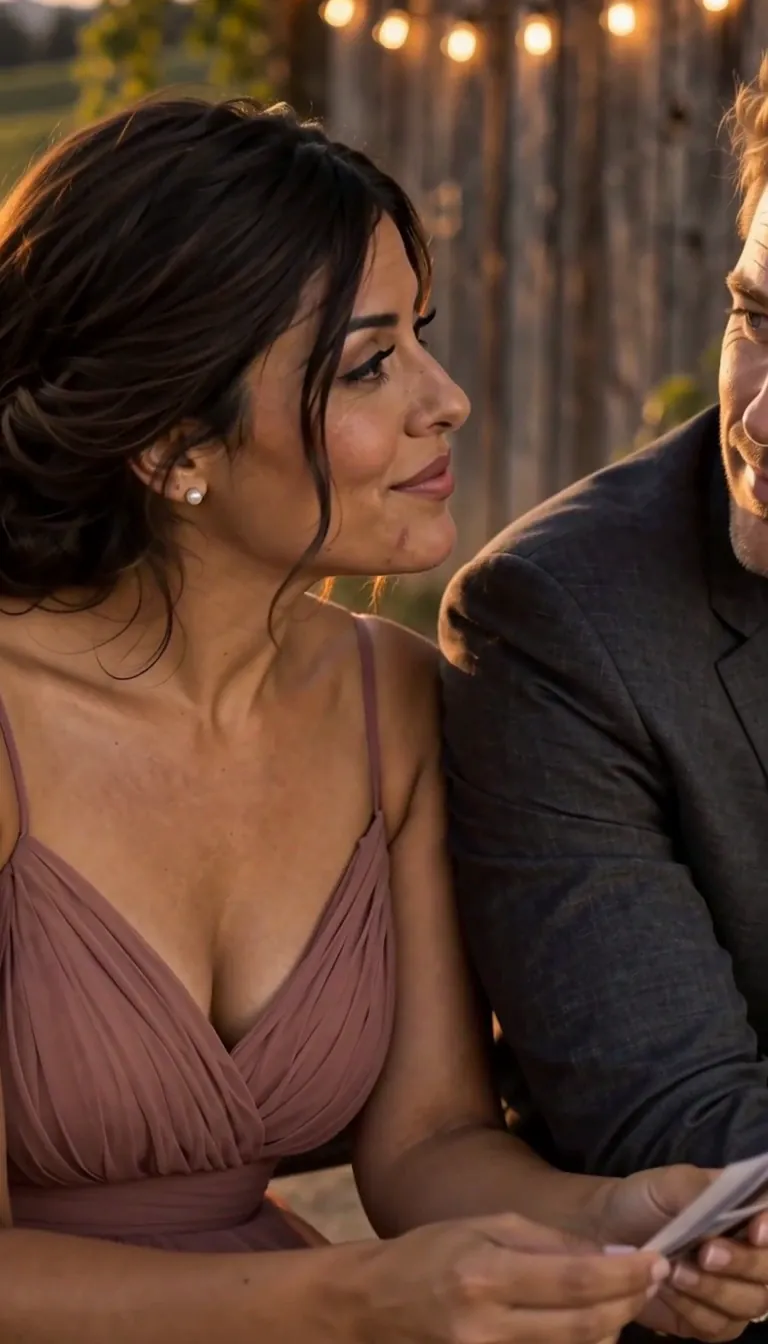
How to make a wedding or anniversary film
Write your story in a line — where you met, the proposal, the year everything went wrong and you stayed. Add a photo of each of you (both partners agree, always) and Character App casts a couple who look like you in every Scene. Pick an animated or cinematic look, direct the moments into Clips — first date, proposal, vows — and keep the takes that feel true. Next anniversary, the same couple gets a new Episode. Start in the free Studio.
Updated November 2026 · Free to start · Web and iPhone
Sample Clips
Real Clips from fictional sample series. Same Cast from shot to shot.
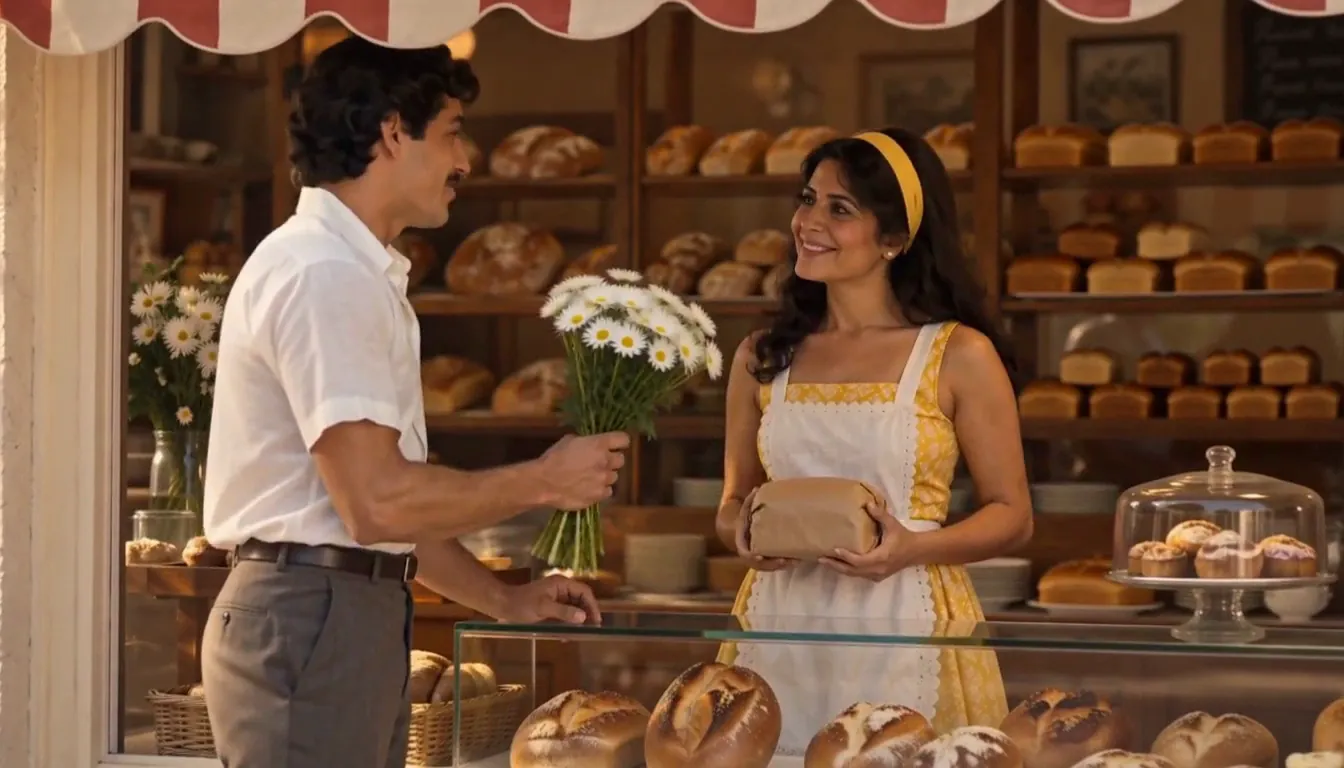
Daisies I really like bread
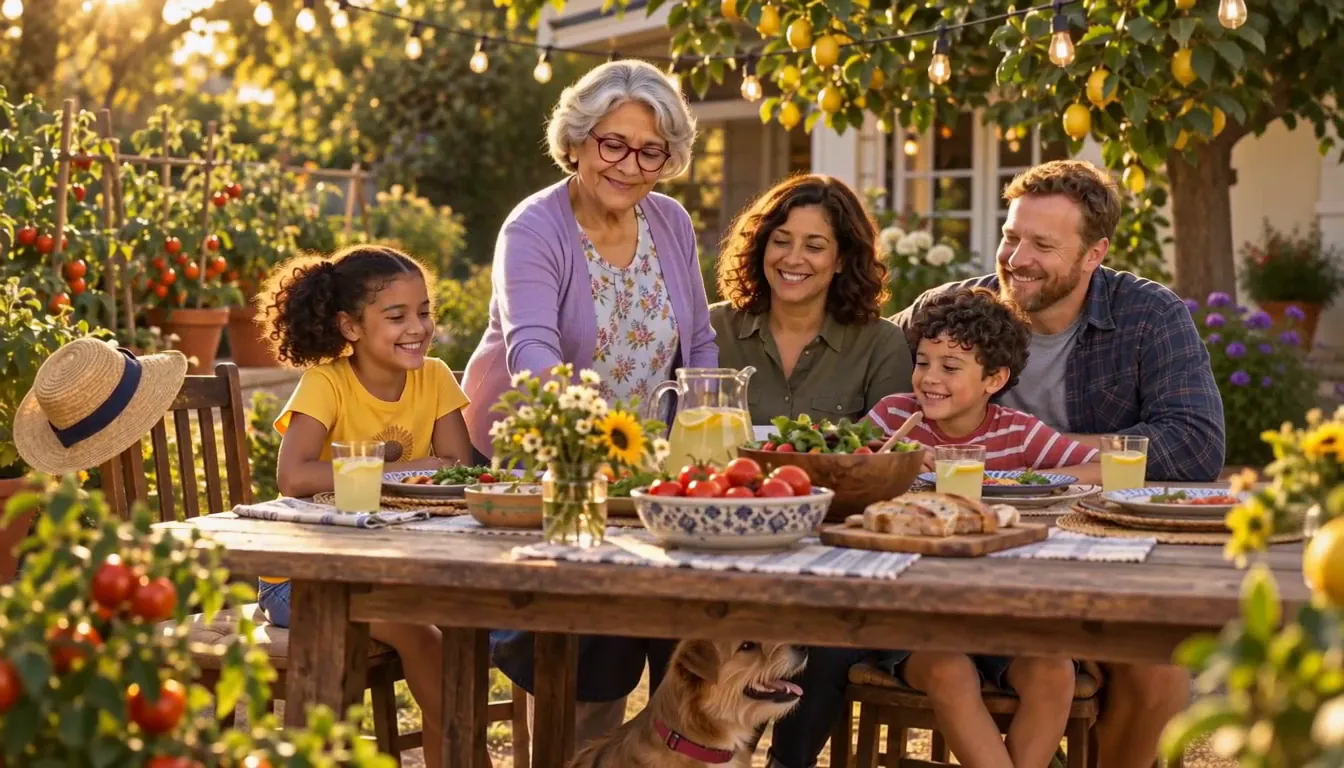
A fictional family, made for this page.
A film for every milestone
Couples come back to the same story at every big moment. Build it once, then keep filming.
Save-the-date
A short teaser: the two of you, the place, the date. Export the Clip and send it to your guests yourself.
How we met
The story your friends tell at the rehearsal dinner, finally on screen — the spilled drink, the wrong train, the second first date.
The wedding film
Not a highlight reel; a story. The nerves, the vows, the moment the cake tipped. Scenes you choose, filmed fresh.
The anniversary gift
One Episode a year. By your tenth anniversary you have a season, and the couple in it still looks like you.
For your parents
Their fortieth, told as the love story it was — with their permission to use their photos, or as original Characters if it's a surprise.
Two faces, kept true
A love story falls apart if one of you looks like a stranger in the third Scene. Character App builds each Character once and keeps them on-model through close-ups, wides and outfit changes — the suit, the dress, the rain jacket from the camping trip. Both partners say yes before anyone's photo goes in. Only use a real person’s likeness if it’s you or you have their permission. Guests who appear join with permission, or as original Characters.
Choose a look that sounds like you
Cinematic if you want it to feel like a film you both starred in. A 2D cartoon or 3D-animated look for warmth and a little comedy. Anime if you have always felt like the leads in one. Try a few looks as Images in the Playground before you film, and let the one that makes you both laugh win.
Write it like a story, not a slideshow
The films people rewatch have a shape. Three habits help:
Pick five moments
Meet, first date, the hard year, the proposal, today. One Scene each is a complete film.
Let one thing go wrong
The lost ring, the missed flight, the rain. The mishap is where the love shows.
End on a look
Close on the two of you, not a title card. Hold it one beat longer than feels comfortable.
An anime wedding film
Turn the two of you into anime Characters from your photos, both of you OK with it, and tell the wedding as an anime: the proposal, the vows, the cake that almost fell. The Anime Art style keeps both faces recognisable in every Scene. Start free as a picture-only Slideshow; a plan films it as Clips. For more anime love stories, see anime couple.
8 wedding & anniversary film ideas to start from
Press one and it lands in the idea box. Change a word or keep it; the Director takes it from there.
- 01One UmbrellaHow we met: a flooded café, one umbrella, and a walk that took three hours.Use this idea
- 02The Proposal, Take TwoThe first proposal was ruined by a seagull. The second went slightly better.Use this idea
- 03Ten Years, Ten ScenesOne Scene for every year of marriage, from the tiny apartment to the garden.Use this idea
- 04Wrong TrainTwo strangers board the wrong train and decide to see where it goes.Use this idea
- 05Save the Date: LakesideA short teaser with a canoe, a dog, and one very specific date.Use this idea
- 06Forty Years of Mom and DadOur parents' love story, from the roller rink to the retirement cruise.Use this idea
- 07The Honeymoon Flat TireA honeymoon that went wrong in every way except the one that mattered.Use this idea
- 08Pen PalsTwo years of letters across two countries, and the airport arrival gate.Use this idea
From one line to Episode 01
- 1
Tell the story
One line about how it started. Character App reads it as your love story and builds the places it happened — the café, the beach, the first apartment.
- 2
Cast the couple
Add a photo of each of you, with both of you agreeing, or describe your Characters. Faces and outfits stay consistent from the first Scene.
- 3
Film the milestones
Direct each moment as a Clip, keep the takes that feel true, and come back every anniversary for the next Episode.
Questions, answered
Still curious? The guides go deeper.
Can I use our real wedding photos?
Yes, as references for the two of you, as long as you both agree. The photos shape how your Characters look; the Scenes are filmed fresh, so the film can show moments no photographer caught.
Can I make a new Episode every anniversary?
Yes. The couple and your places stay in your World, so each anniversary picks up where the last one left off.
What styles can a wedding or anniversary film be?
Cinematic, anime, 3D-animated, 2D cartoon and graphic-novel looks are all options. Try them as Images first and film the one you both like.
Can I make a surprise anniversary film for my parents?
Yes — but photos of them need their permission, which can spoil a surprise. The easy route is original Characters you describe, then the big reveal.
Is it a real video or animated photos?
A real video with a plan. Each moment is filmed as a moving Clip with its own motion and timing, not a still photo with a slow zoom. Free makes picture-only Slideshows.
Can we play it at the reception?
Yes. Export the finished Clips and play them anywhere — widescreen 16:9 for the venue screen, 9:16 for phones.
What does an anniversary film cost?
Currently the free Studio gives you one World build, one Character a day and 4 Lite Images a day. A plan unlocks Clips and Film — Starter is $19.99 a month for 800 Credits — and a 5-second Clip made from an Image on H3 Turbo is 25 Credits. The price is on the button before you press.
More genres
Every genre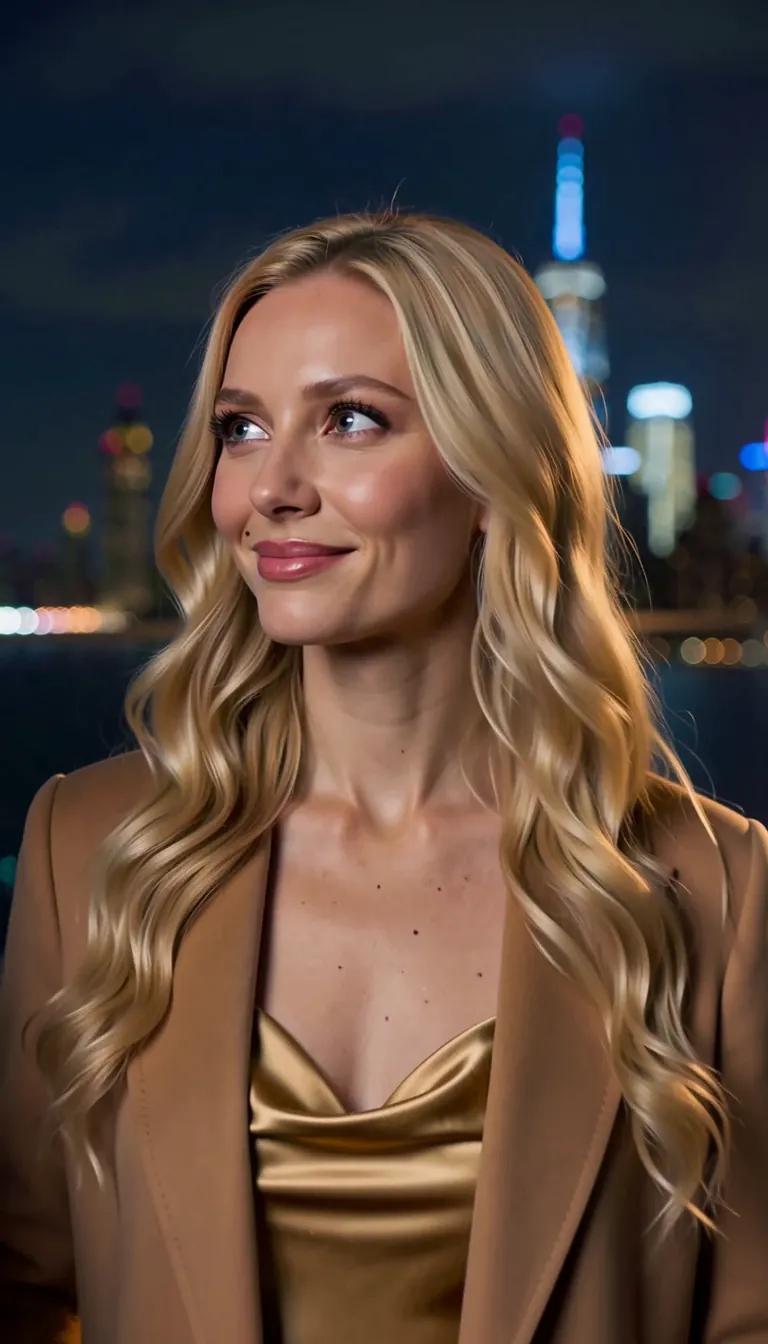 RomanceTwo leads, one slow burn, a whole season.
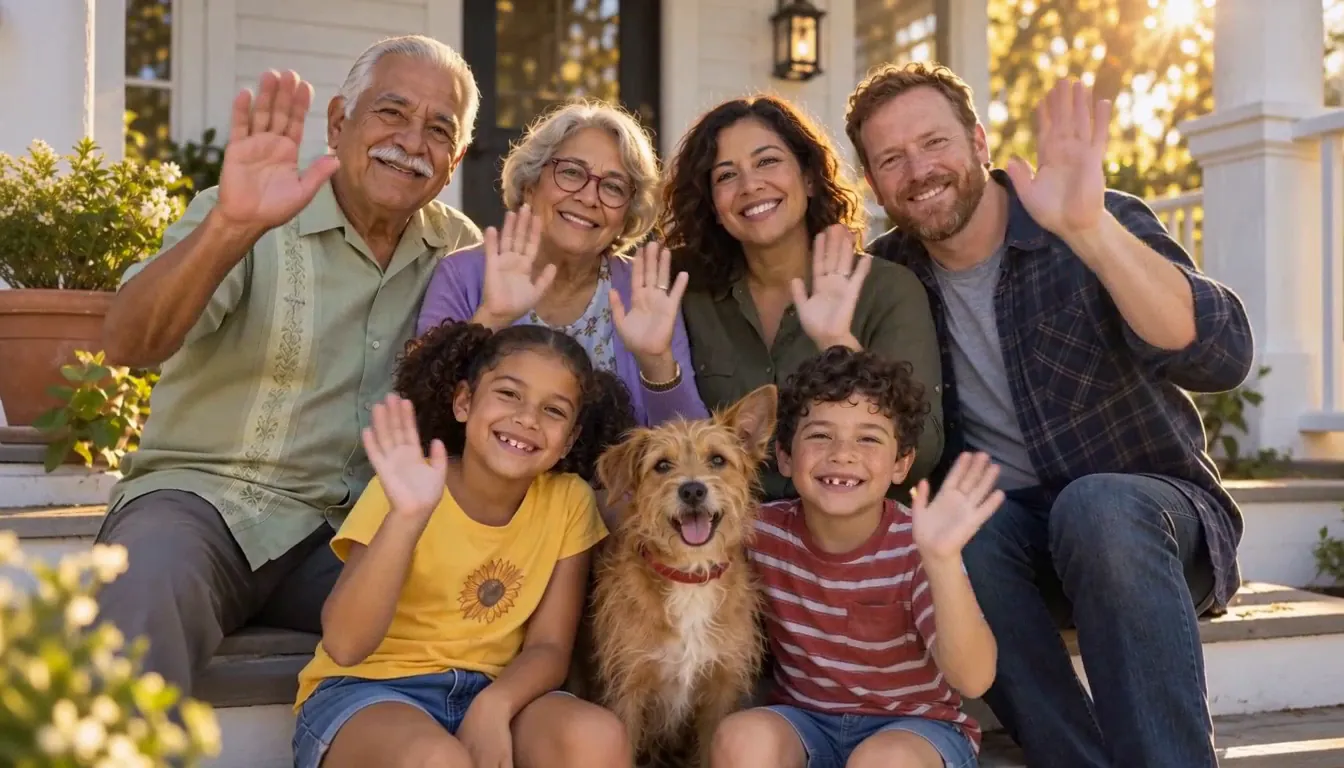 Family movieYour family, cast as themselves.
 Memorial tribute filmTheir stories, told gently.
Cast for this genre
Tell it as one finished Story with the AI story maker.
Guides for this genre
- Use your own photo and likenessYes — your own photo is the intended input, and the rules around it are explicit.
- Turn a real story into an episodeThe best first episode is usually something that actually happened — to you.
- From one photo to a seasonThe whole pipeline, end to end: one photo becomes a Cast card, a Cast card drops into a World, the World produces episodes, and episodes accumulate into a season with its own poster.
Your wedding & anniversary film starts with one line.
Free: make your Character and a narrated Slideshow Story every day. Real video comes with a plan.