01
Give her a role and something she wants
Start with agency. Ines inspects umbrellas as if they were historic monuments. She wants every umbrella properly opened, catalogued and returned to its rightful place. That belief tells you what she might do at a coat check, a bus shelter or a café entrance. It is more useful for a recurring Character than a list of attractive adjectives.
Write the role and desire in one sentence before the portrait prompt. “Ines is an adult woman who gives ordinary umbrellas excessive professional attention.” You can refine her job or background later, and the same sentence can carry a recurring persona if you make an AI influencer. For the first design, the important question is what she would notice and how she would respond when the world refuses to cooperate.
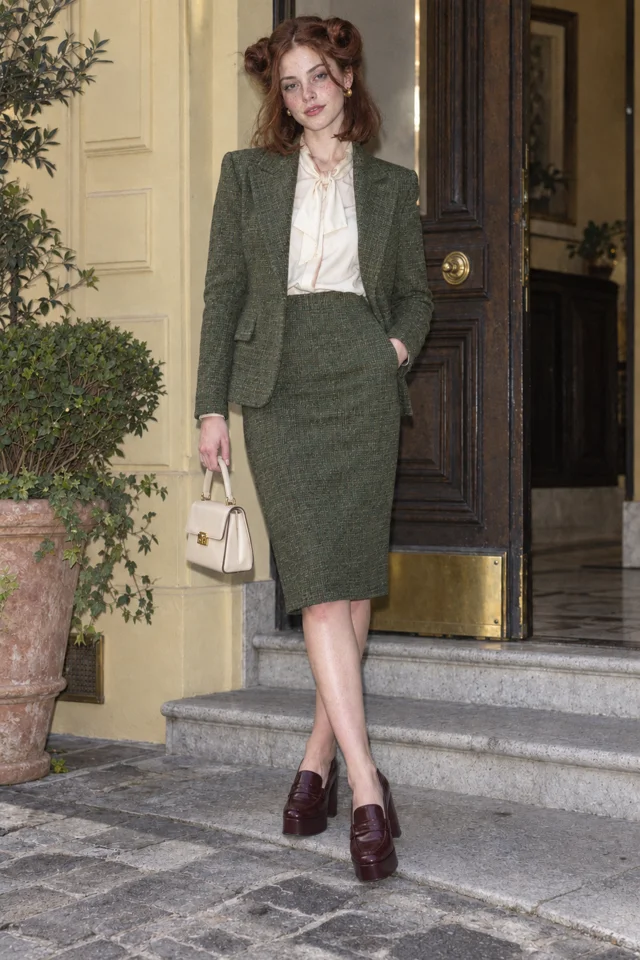
BriefOriginal fictional Character Ines Brume, a clearly adult 23-year-old woman with one permanently high arched eyebrow and auburn hair in two exaggerated pin curls, a moss-green tweed jacket and skirt, cream blouse and burgundy platform loafers and a precise serious gaze. Candid phone-video still under natural available light. Visible skin texture, slight uneven pigmentation and gentle under-eye softness, minimal makeup, ordinary human proportions, relaxed posture and a composed full figure. She invents elaborate etiquette for ordinary café tables.
Open this brief02
Describe an adult person with observable features
Make the intended age explicit: “adult woman aged 23.” Then describe face shape, hairstyle, posture and expression. A focused prompt, the kind a realistic AI character generator needs, lets you review the result against concrete choices. Ines has one arched eyebrow opposite a straighter brow, auburn hair, symmetrical oversized pin curls and a calm attentive expression. Her look should read as an adult before it reads as a fashion reference.
Avoid asking one portrait to show a full life history. A still can show the face, clothing and stance; it cannot show every belief or plot twist. Keep the umbrella conflict in your planning notes and put the visible details in the Character description. If the result does not match the intended adult design, revise it before keeping the reference.
03
Make one outfit support her personality
Ines wears a moss-green tweed skirt and jacket, a cream blouse and burgundy platform loafers. The structured outfit supports her excessive sense of procedure. The oversized pin curl is the one odd detail. That gives the design an identifiable shape while leaving room for a small prop or physical action in a Scene.
Name the garments and materials instead of writing “elegant, fashionable, iconic.” Keep the palette compact and the pose ordinary enough to inspect. A full-body portrait helps you check the jacket, skirt length and footwear together, and the same garment list works when you start from a photo to turn yourself into a cartoon character. Put the umbrella into the first Clip direction if it is a situational object rather than a permanent part of her identity.
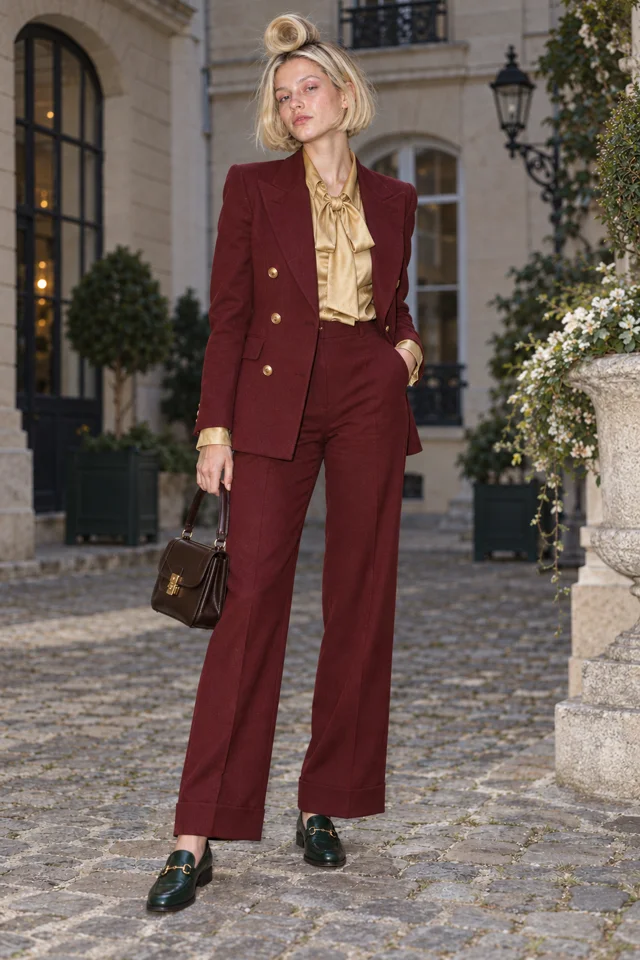
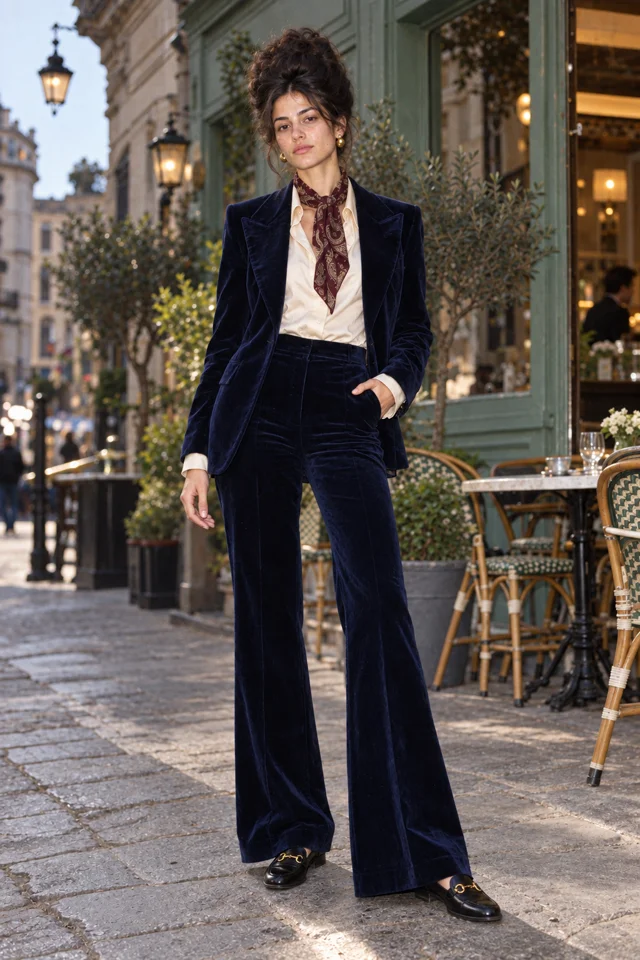
Three original Characters you can tell apart at thumbnail size. Make your own ↗
04
Enter the brief and keep a result you can use
Open Ines’s editable brief in New Character, the AI character creator in Character App. The link includes her name and description; you can change either before drawing. Pick the available Look that fits your first idea. A standalone Character has its own Look choice, while a Character made inside a World follows the World’s Look. The screen shows the current model and price or daily allowance.
After drawing, review the adult face, hair contour, outfit and calm expression. Keep a result because it fits the Character, not only because the lighting looks good. Make a targeted correction if one essential feature is wrong. A saved reference becomes a starting point for later supported Images and Clips; it still needs review in each new situation.
05
Let the Character act instead of only posing
Give Ines three separate moments: she inspects an umbrella that will not open; she solemnly returns an umbrella to the wrong stand; she measures a tiny patch of shade while rain begins elsewhere. Each keeps her interest in procedure and changes the obstacle. The joke belongs to her behavior, not to a new face or costume.
Open Playground for the first attempt and write one action clearly. “Ines examines a closed umbrella, turns it once and nods with grave approval. Quiet coat check, full-body view, steady camera.” Keep the chosen Character reference, check the press price and review the finished Clip. A rival or recurring location can become the start of a World when you want more than isolated moments.
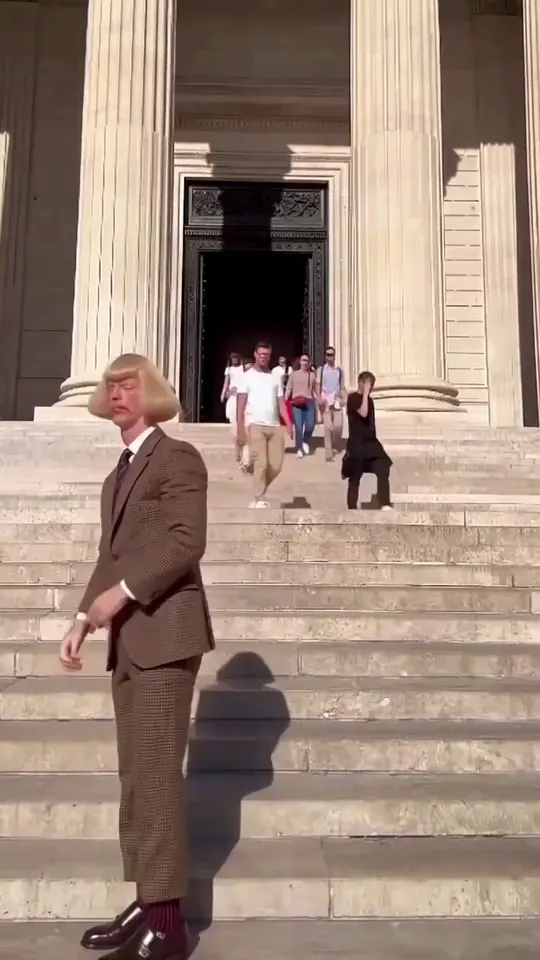
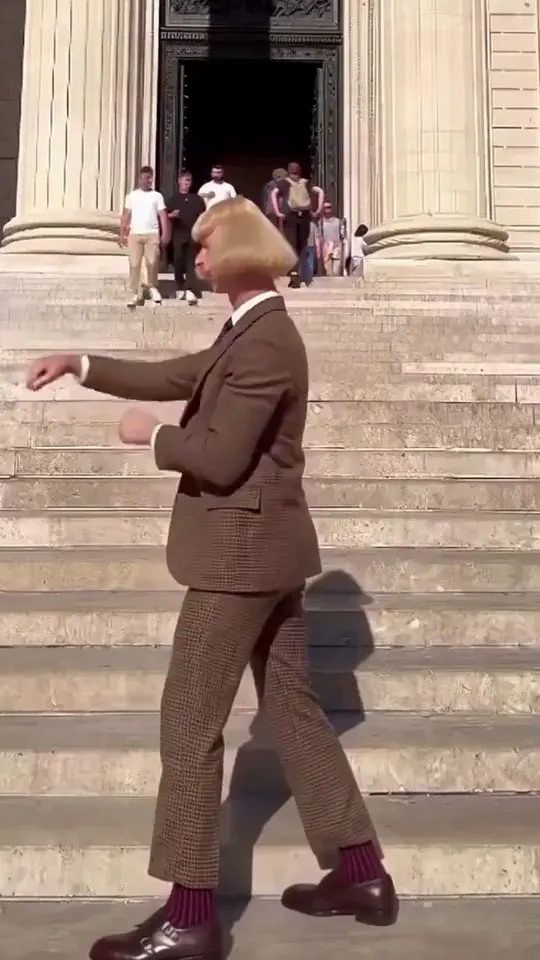
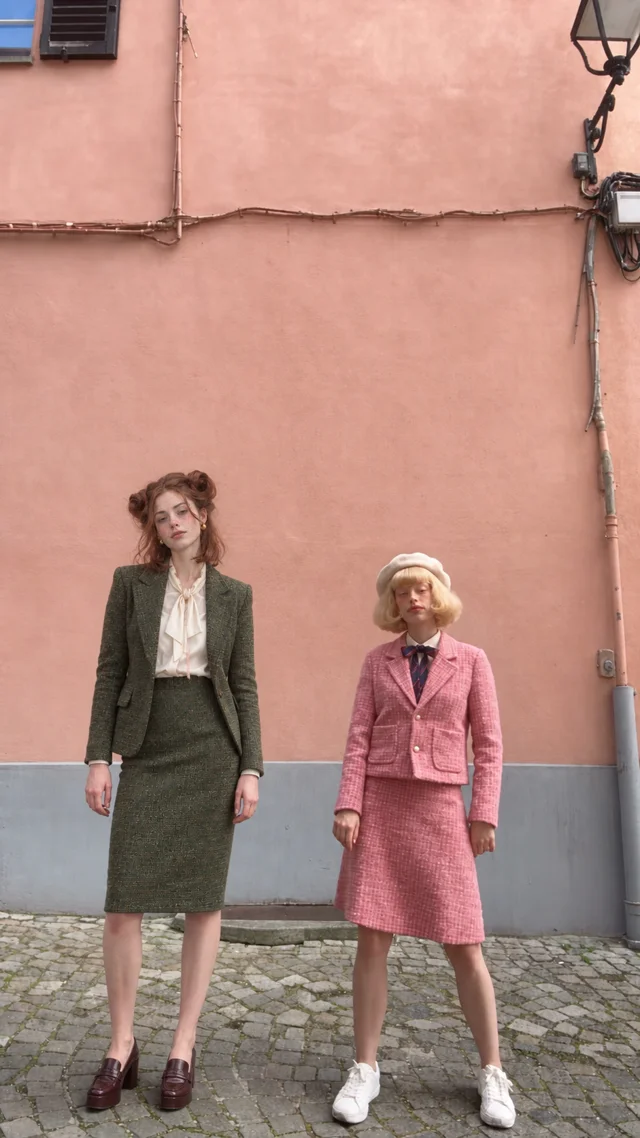
One face, two small actions. Jean Paul is one of our own house Characters.
Keep it sharp.
- Writing only appearance adjectives and leaving the Character with nothing to want or do.
- Leaving the intended adult age unclear in the working brief.
- Trying to direct a whole episode inside the portrait description.
Things you’re wondering.
Can I make a female Character without a photo?
Yes. Start with a name and words describing an original adult person. New Character supports a written description; a photo is optional.
How should I specify age?
Use a clear adult age in the brief, such as 23 or 25, and review the result before keeping it. The examples here are fictional adult women in their early twenties.
Do I need a long personality profile?
No. Start with one desire or belief that can produce visible actions. Expand the history after the Character can carry a simple situation.
Can she appear in different Looks?
Use a chosen reference to explore the Looks supported by the current screen, then compare face and signature details. A new Look still needs review.
Can I add other Characters later?
Yes. Build each member as a distinct person. A World can give the recurring cast and setting shared story context when the idea grows.
What does the concept portrait show?
It shows the original identity and styling direction. A recorded performance study needs its actual source clip and matched output so you can inspect what changed. The creation links open the current Character and Playground paths; they do not transfer a performance here.